Latest news:
Sahih al-Bukhari (সহীহ বুখারী) is a free Hadith application for android. This application is advertisement free. Download now https://play.google.com/store/apps/details?id=com.akramhossin.bukharisharif

How to Clone an AWS instance
Steps to Clone an AWS instance
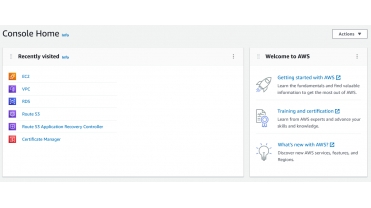
Log in to the AWS Management Console.
From top bar, Click on Services menu, search for EC2, Now click to EC2.
Next screen, Click Instances, from instances list select an instance, Click Actions Button

Now click on Create image, Next screen fill up the form with required details and click on Create image Button

this will redirect to Amazon Machine Images (AMIs). in the list you can see newly created instance image. Default status is pending, it will takes several minutes to hour for activate. When status become Available, click and select the AMI from the list.
From top right section click on Launch instance from image Button

Next screen we need to choose instance type, select any option

Next screen we need to configure Instance Details

Next screen Add storage

Next screen, we can Add Tags, if required

Next screen, we need to Configure Security Group,
in this page we can create new security group or we can use existing security group

Next screen, review all the changes, if all setting is fine, click on Launch button, at bottom right corner of the screen

upon click on launch, we will be redirected to Intances page and newly created instance should be in the list.
Views : 3577

